
One photo in. Every shape we find, cut out.
Lay your stickers on a plain background, take a photo, and upload it. Stickify looks for distinct silhouettes, draws their die-cut contours, and hands the cutouts back ready to download.
- A die-cut contour for every shape found
- Transparent PNGs made from your original pixels
- Processed for this result, not added to your Collect library
Upload your photo
A plain, evenly lit background gives the cleanest result.
One photo is enough
Photograph several stickers at once. Stickify looks for individual silhouettes across the whole image.
AI when it is available
Hosted AI handles difficult backgrounds when configured; a classic contour tracer is always ready as the fallback.
Every cutout is yours
Download each result as a transparent PNG at the size extracted from your original photo.
How Stickify works
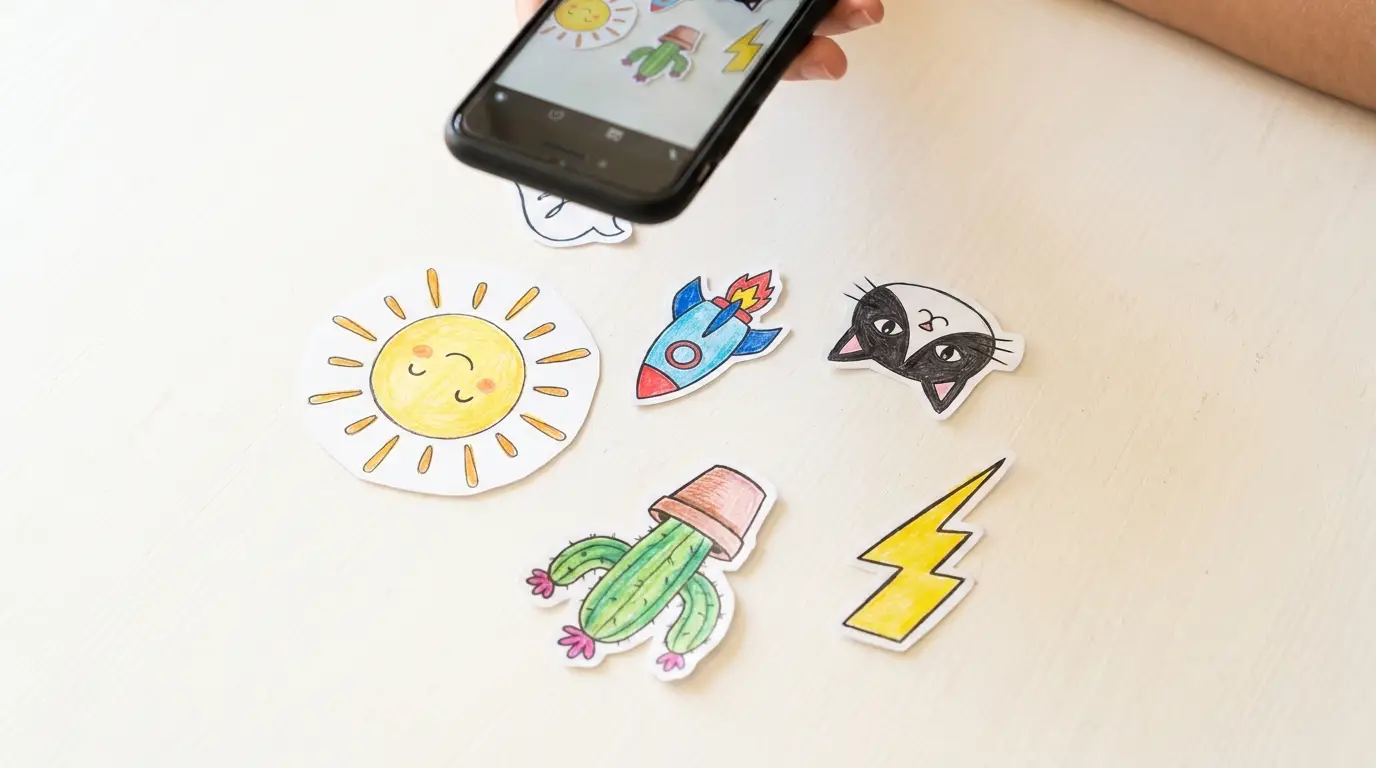
Snap it
Lay your art on a plain background and take one photo.
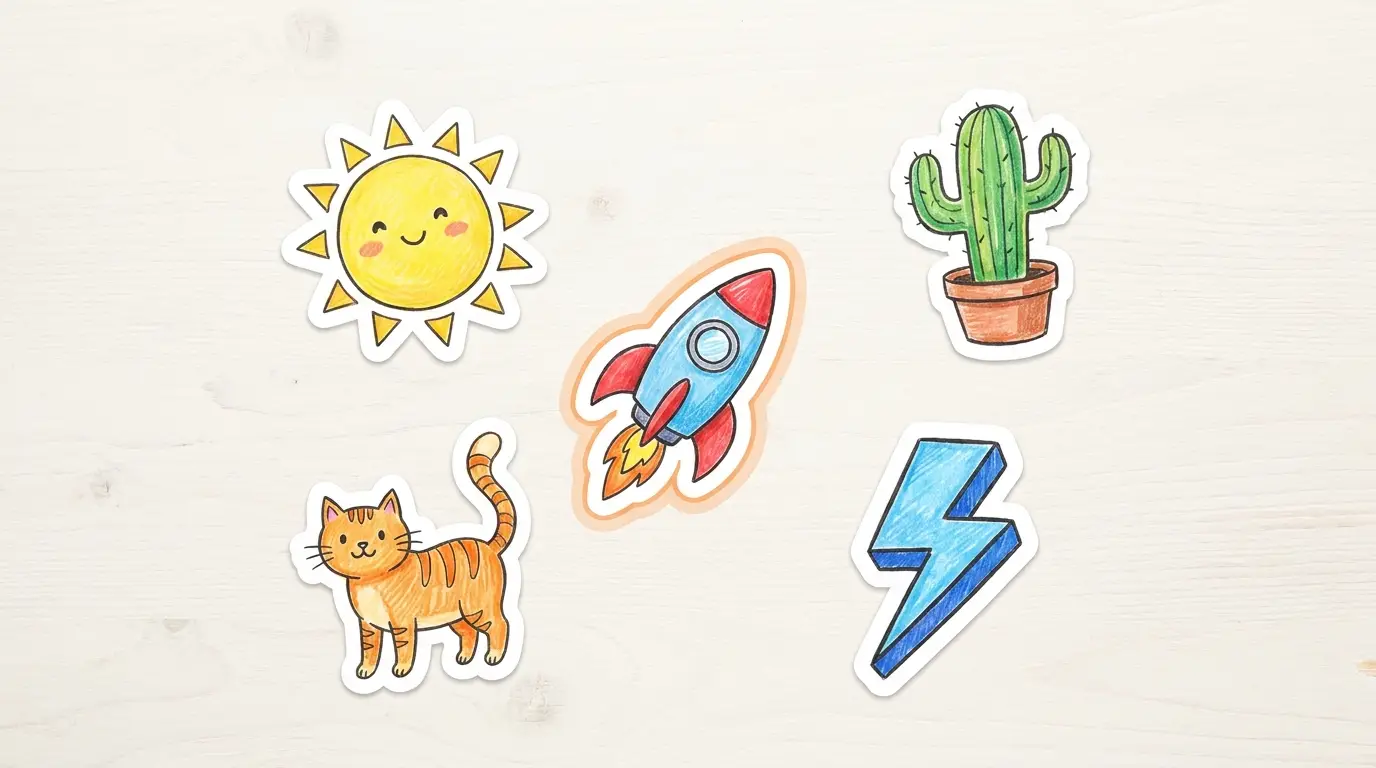
We find the shapes
Stickify traces a clean die-cut contour around every silhouette.
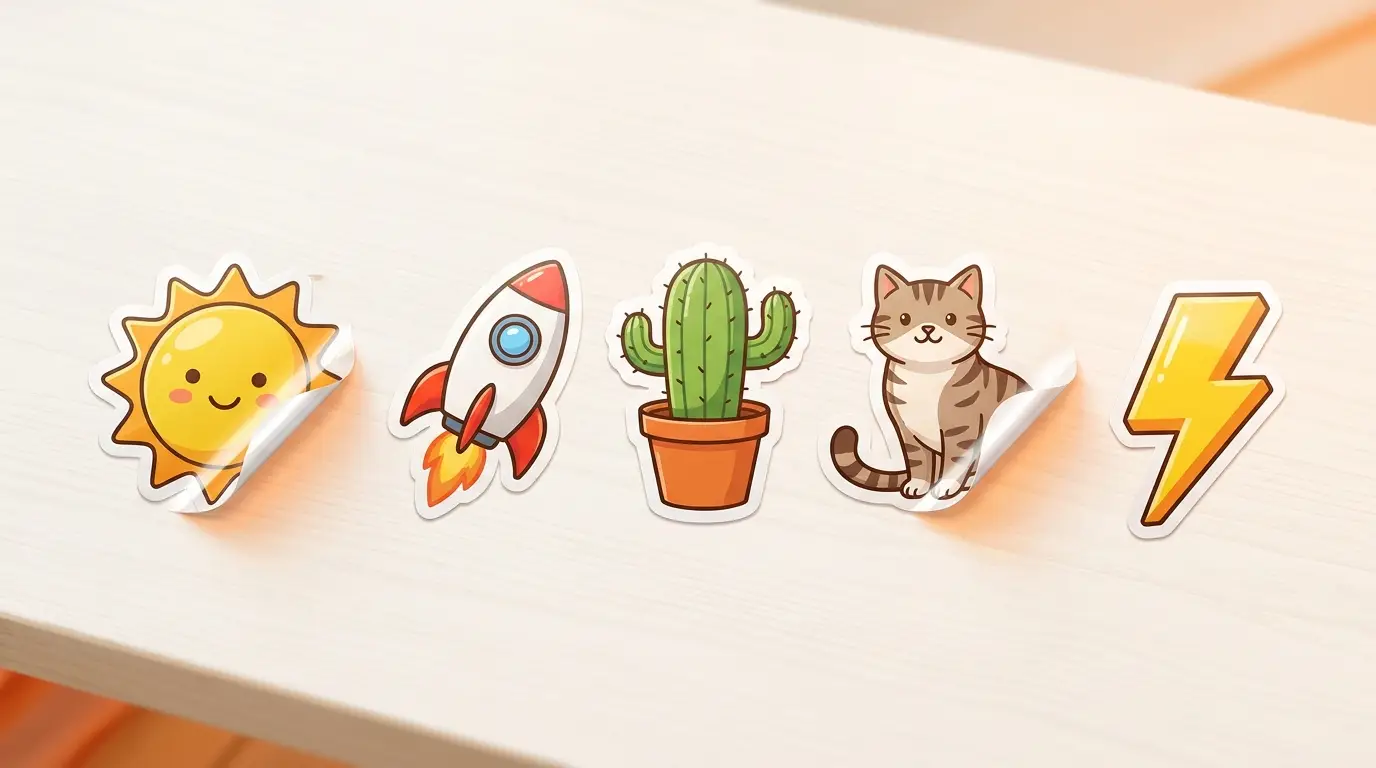
Clean cutouts
Each shape comes back as a die-cut sticker, ready to download.
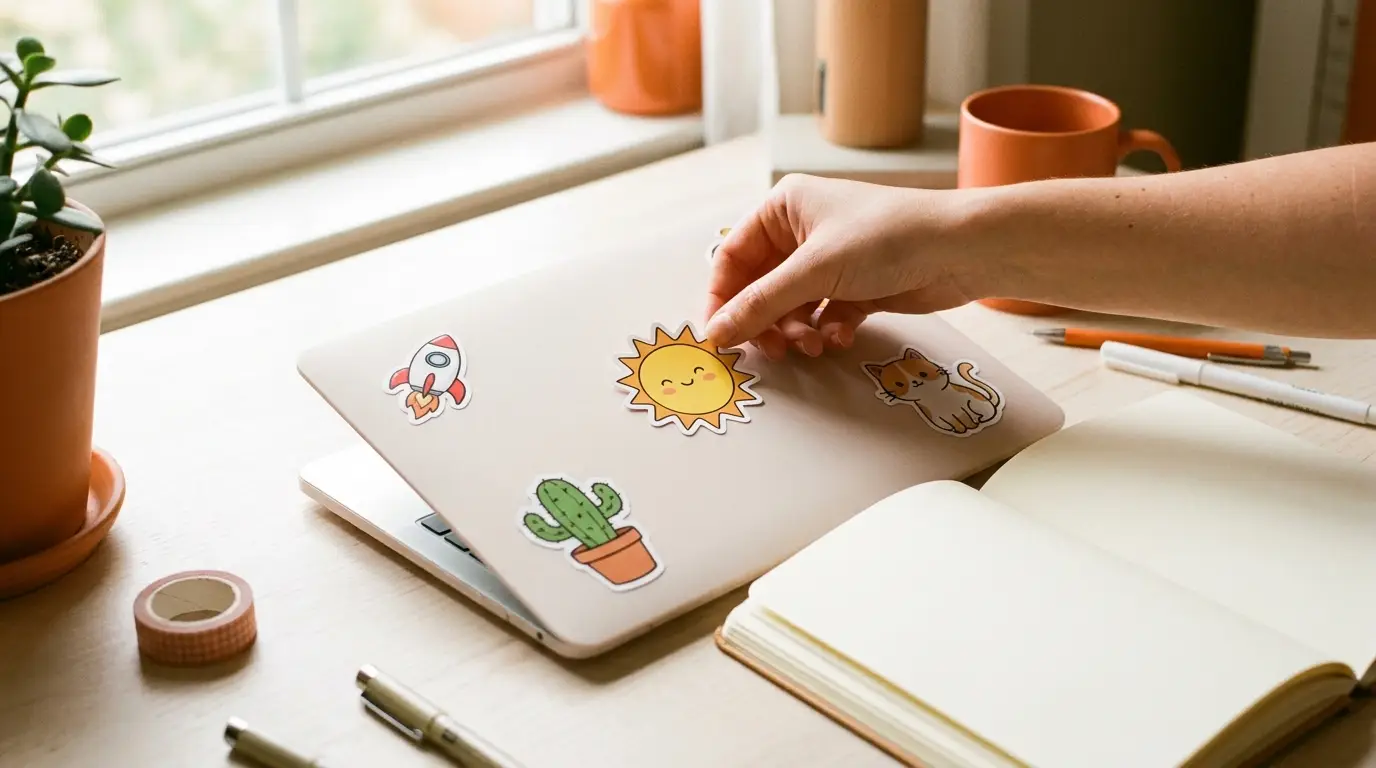
Stick anything
Print, peel, and put your designs on the world.
Frequently asked questions
What formats can I upload?
Do I need an account?
How does Stickify find the shapes?
What format is the sticker?
Finding and cutting out your stickers…

Ready to turn the cutouts into a set?
Download your favorites, then bring them into a numbered collection made to print, trade, and finish.
Create a collection